Static images in videos can feel flat and lower user retention. To keep viewers engaged, adding subtle motion and animations is essential.
With image-to-video AI and 2.5D parallax animation, you can turn static illustrations or photographs into dynamic, living video clips.
This guide walks through how to animate images with AI to create cinematic parallax effects that make your videos stand out.
Understanding 2.5D parallax animation
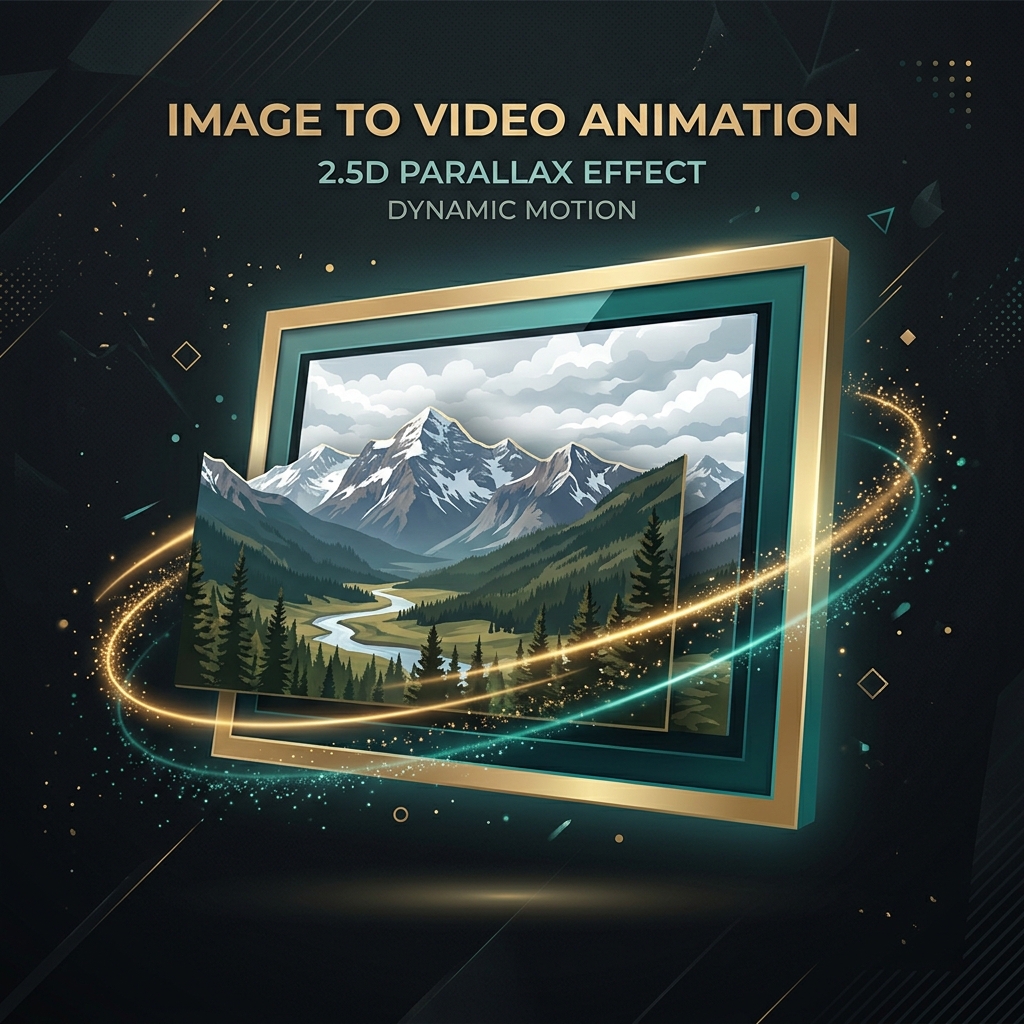
2.5D parallax separates the foreground, middleground, and background layers of a static image, sliding them at slightly different speeds to create a simulated 3D depth effect.
This keeps the visual feeling active and cinematic without requiring complex 3D rendering or CGI modeling.
AI image animation competitors compared
Adding movement to static images is essential for video engagement. Here is how key tools compare:
- Runway (Gen-3): Phenomenal cinematic clip generation. However, generating hours of clips is extremely expensive due to per-second rendering prices, and the clips are limited to 4-10 seconds.
- Luma Dream Machine: Excellent realistic physics modeling for text-to-video. But like Runway, cost structures make it prohibitive for long-form creators.
- Pika Labs: Great for 3D animation and quick motion prompts, but runs via credit consumption designed for clips rather than full-length features.
- LeiaPix / Immersity AI: Genuinely great for 2D-to-3D depth maps and visual parallax maps. However, it remains a standalone utility, requiring you to manually export clips and assemble them in Premiere.
How to animate images inside DreamTuber
DreamTuber features built-in image-to-video and parallax animation tools. When compiling your video, the AI automatically applies smooth motion paths and depth effects to the generated storyboard frames.
This means you don't need external editors like After Effects to compile dynamic, engaging video clips — the pipeline does it automatically. You get the 2.5D parallax visual style at a fraction of the cost of full text-to-video clip rendering.
Make one with DreamTuber
One topic in, a finished long-form video out — script, voice, visuals, and render, automatically.
Create your first videoFrequently asked
Do I need editing skills to make parallax videos?+
No, DreamTuber's automated engine applies the motion paths and depth filters automatically from your static storyboard.
How long are the animated clips?+
Clips are timed to match the voiceover pace, shifting smoothly to keep visual pacing active.
What's the difference between 2.5D parallax and a Ken Burns zoom?+
A Ken Burns effect is a flat pan-and-zoom on a single 2D plane. 2.5D parallax estimates a depth map for the image and moves the foreground and background at different rates, so it reads as real camera movement instead of a slow zoom.
How many images does a full documentary need?+
Roughly one image per narrated moment — a 10-hour documentary typically needs somewhere around 1,500–1,800 images, which is why batch, server-side animation matters more than a single-image tool.
Related